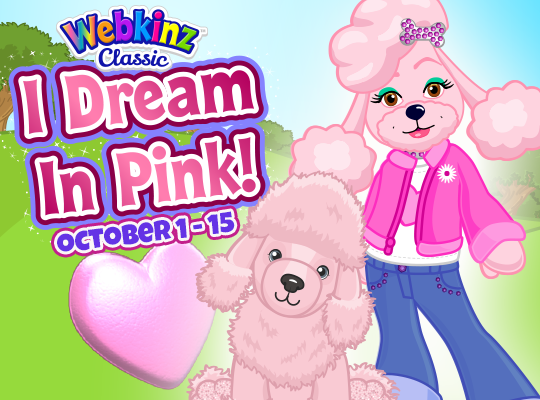
Persephone is holding a special pink party for her niece the Pink Poodle and her friends: the Chow Chow, Rainbow Leopard and Raccoon, who are new to Kinzville, and you’re invited! Here’s a look at the invitation:
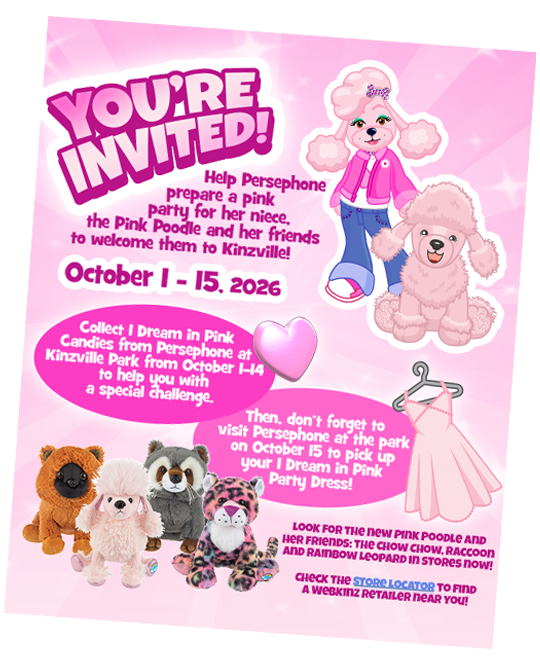
Help Persephone plan for the big event! Here’s how to play: On October 1, look for the I Dream in Pink Challenge icon along the left side of your screen on the Webkinz Classic Desktop App or the browser version of Webkinz Classic:
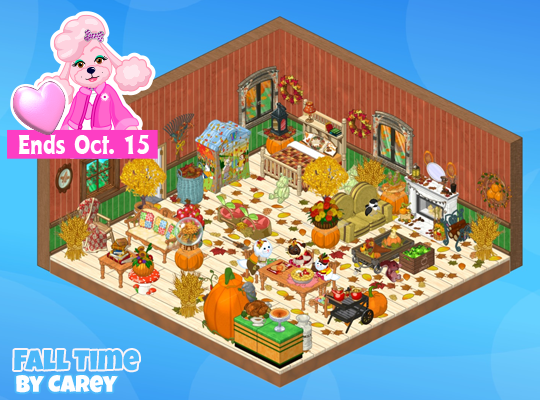
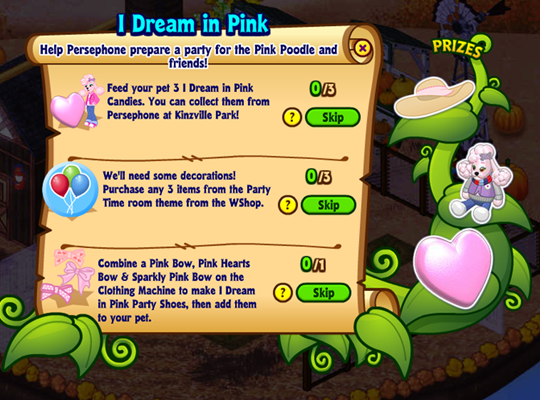
Click on the icon to review your tasks. There are 3 tasks you’ll need to finish by midnight, Thursday, October 15 (EST), to complete the challenge:
- Feed your pet 3 I Dream in Pink Candies
- Purchase any 3 items from the Party Time room theme at the WShop
- Make I Dream in Pink Party Shoes, then add them to your pet.
You’ll need to visit Persephone at Kinzville Park to complete your first task. Persephone will only be handing out one I Dream in Pink Candy a day from October 1, to October 14, so you’ll need to visit her on three different days in order to collect enough candy to complete the task.
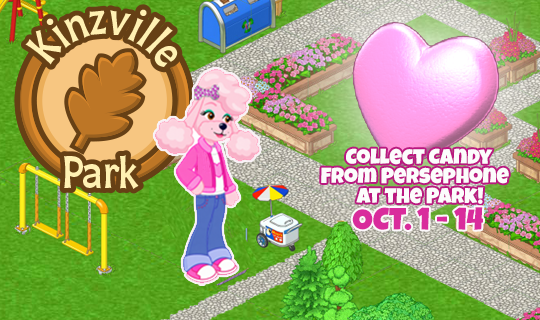
You’ll find Persephone standing near Mr. Moo’s ice cream cart, and when you click on her she’ll give you a candy! Now remember, you’ll need to feed your pet 3 I Dream in Pink Candies to complete your first task, but every time you feed a candy to your pet, you’ll win I Dream in Pink Party Balloons, or a Pink Poodle Plushy!

The Pink Poodle Plushy is rare, so make sure you collect as many candies from Persephone as you can from October 1, to October 14, for the best chance to win the plushy!
Next, you’ll need to pick up some party supplies from the Party Time room theme at the WShop to complete your second task:
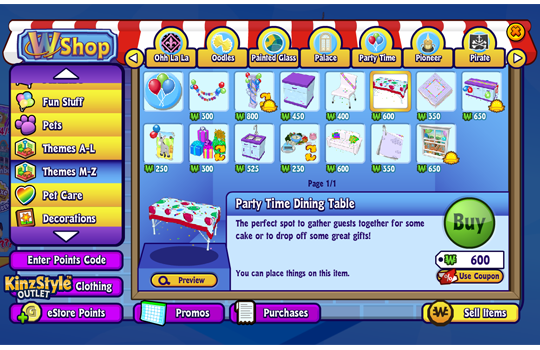
Use the Things To Do menu to open the WShop, then look in the Themes M – Z section for the Party Time room theme. Buying any 3 items from the theme will count towards your second task!
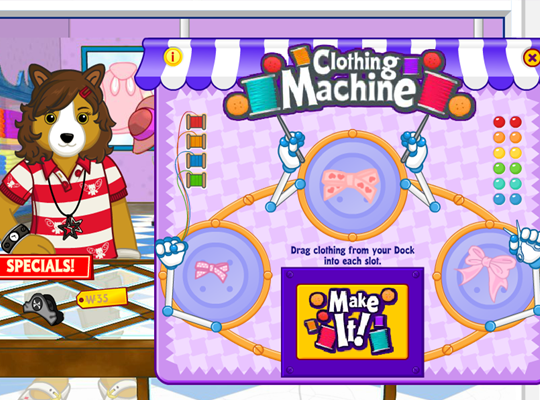
Finally, you’ll need to make I Dream in Pink Party Shoes to finish your challenge. You can make the shoes by combing a Pink Bow, Pink Hearts Bow & Sparkly Pink Bow on the Clothing Machine at the KinzStyle Outlet:
Use the Things To Do menu to visit the KinzStyle Outlet and look in the “Hats” section for all three bows:
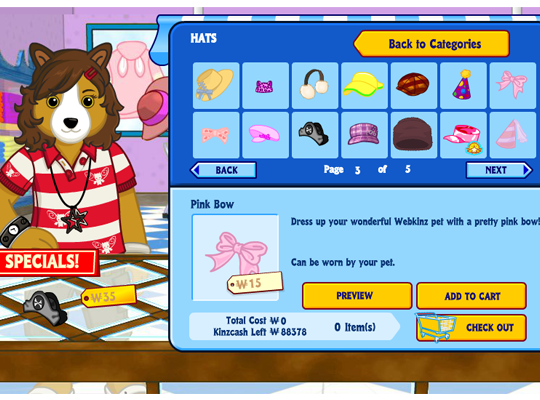
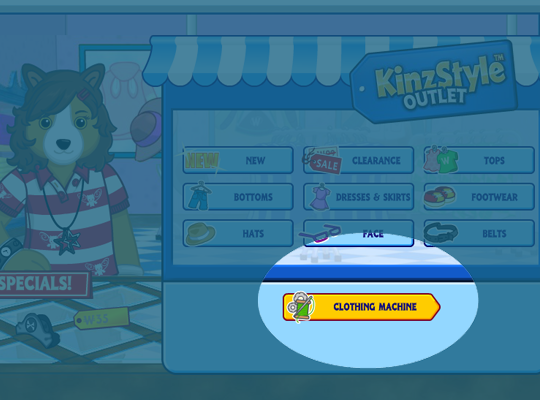
Add all three bows to your cart, then click the Check Out button to purchase them. Then you can click on the link to the Clothing Machine at the KinzStyle Outlet to open the Clothing Machine:
Drag the Pink Bow, Pink Hearts Bow & Sparkly Pink Bow from your Dock, into the Clothing Machine and click the Make It button to make a pair of I Dream in Pink Party Shoes:
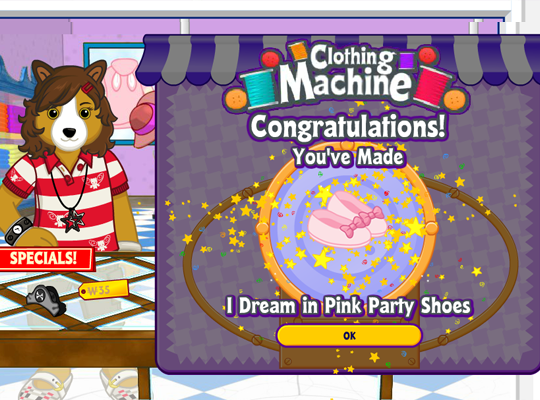
Now, you can drag your pair of I Dream in Pink Party Shoes from your Dock, onto your Webkinz to complete the I Dream in Pink Challenge, and when you do, you’ll be awarded an extra I Dream in Pink Candy, Persephone Plushy and a brand-new I Dream in Pink Party Hat:
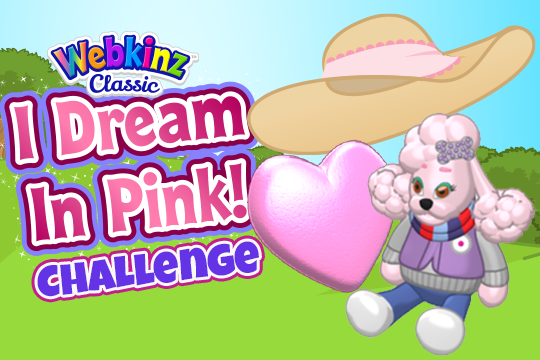
Now you’re ready to welcome the Pink Poodle and her friends to Kinzville… almost! You’ll need the I Dream in Pink Party Dress to complete your outfit for the party!
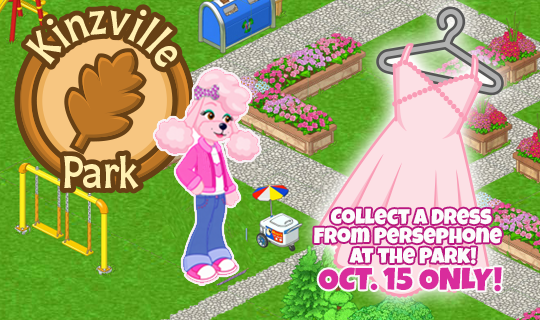
You can collect the I Dream in Pink Party Dress from Persephone at Kinzville Park on Thursday, October 15. The dress will only be available for one day, so don’t forget! Who knows when, or if it will ever be available again!
Remember, Persephone will only be handing out I Dream in Pink Candy from October 1 – 14, so make sure you collect the 3 that you need to complete your challenge before October 15!
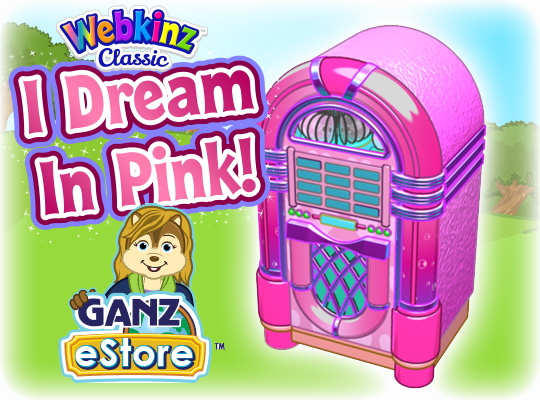
Looking for some entertainment for your pink party? A new I Dream in Pink Jukebox will be available at the Ganz eStore, starting October 1. Add the jukebox to your pet’s room, and click on it to play the full I Dream in Pink KinzTunes song in your room:
Look for the new Pink Poodle, and one of her friends: the Chow Chow, Raccoon and Rainbow Leopard in stores in October! Check the Store Locator to find a Webkinz retailer near you!
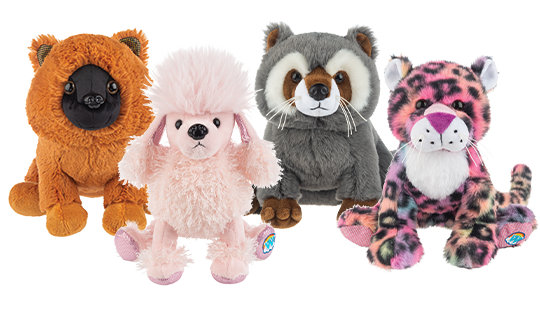
Each new Webkinz plush pet comes with an adoption code for Webkinz Classic and Webkinz Next, so you can enjoy your pet in both games:
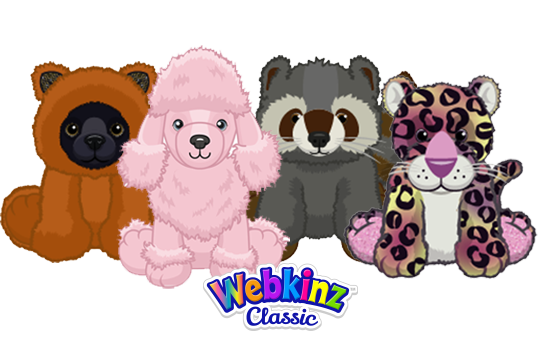
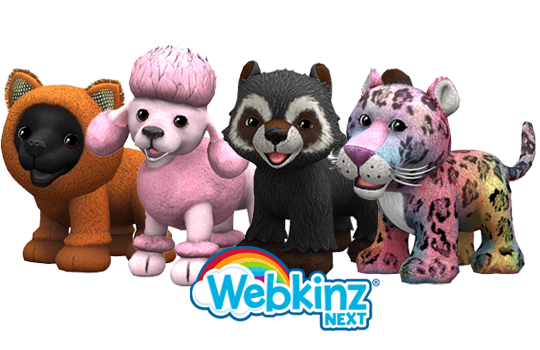
Will you be helping Persephone prepare for a pink party on Webkinz Classic? Let us know in the comment section below…
CLICK HERE to download the Webkinz Classic Desktop App or play the browser version of Webkinz Classic today!
Download Webkinz Next now — available for iOS, Android and Windows 10.



Follow us on social media: